
🗞Guudletter: What do the new checkmarks and badges on Twitter mean 🤔? A quick guide here

Hey there guudreaders! 👋
As you may know, Twitter is shaking up its verification system under Elon Musk's leadership: instead of the traditional blue checkmark, there are now three different colored checkmarks to denote different things.
With the recent changes to Twitter's checkmarks, it can be hard to keep track of what each one means, so here is a short guide to all the checkmarks and badges on the social network.👇
First, why did Twitter introduce new checkmarks and badges?
Twitter introduced new checkmarks and badges to help users identify authentic and official accounts on the platform. This is important because it helps to prevent users from being misled by fake or impersonator accounts.
However, despite these efforts, there are still things to improve since fake or parody accounts have managed to break the rules.
The new checkmarks and badges also make it easier for users to find and follow verified accounts they are interested in.
The Checkmarks:
🔵 The blue checkmark:
This is the most common checkmark on Twitter, and it means that the account has an active subscription to Twitter Blue and meets Twitter eligibility requirements.
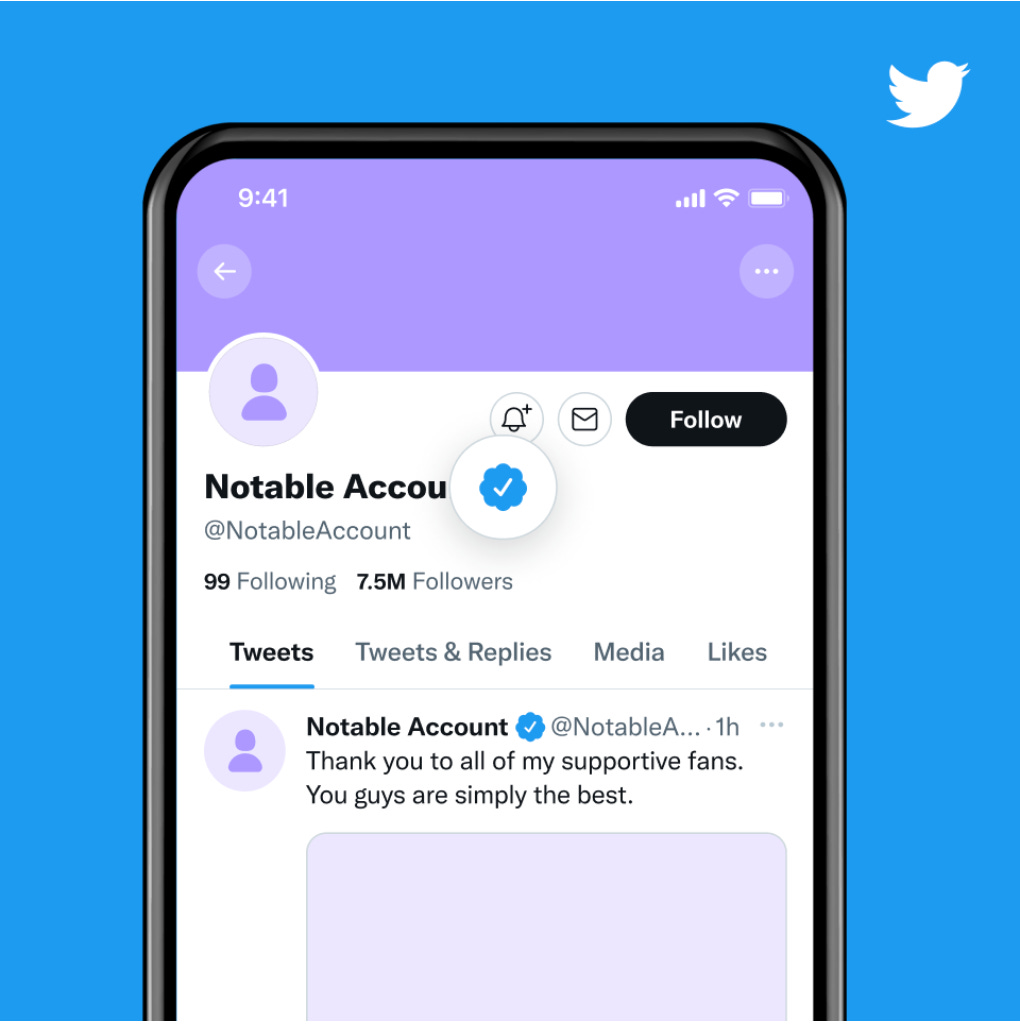
Besides obtaining the blue checkmark, you gain additional cool features by subscribing to Twitter Blue:
Edit Tweet
50% fewer ads
Longer tweets up to 10,000 characters
Text formatting (bold or italicize)
NFT profile picture
Change your app theme or app icon on your phone
Undo tweets (it’s not an edit button, but a chance to change your mind and preview your Tweet before it’s posted)
And longer video upload, among others.
The cost of Twitter Blue subscription depends on the platform used:
Web: $8/month or $84/year
iOS: $11/month or $114.99/year
Android: $11/month or $114.99/year (or your local pricing)
To sign up for Twitter Blue on web: go to twitter.com and select More > Twitter Blue > Subscribe.
To subscribe on iOS or Android: go to the profile menu > Twitter Blue > Subscribe. Follow the in-app purchase instructions to complete your subscription.
👉 Pro Tip: If you are looking for a premium Twitter experience with exclusive features, then Twitter Blue may be a good option for you. It’s important to weigh the benefits depending on your individual needs and preferences.
⚪️ The gray checkmark:
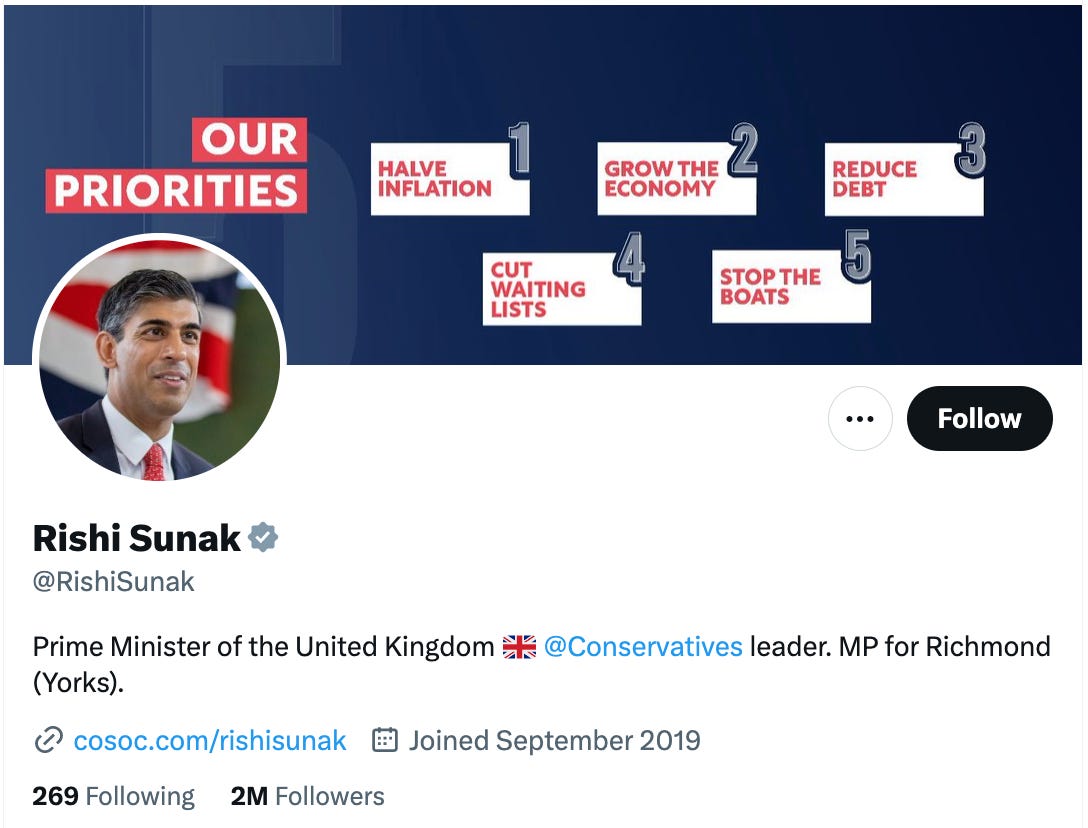
It indicates that the account represents a government/multilateral organization or official. This means that Twitter has verified the account as representing a government or other official organization.
Organizations can apply for access here.
👉 Pro Tip: To be eligible for the gray checkmark, your account must represent a government organization or official. You will need to provide Twitter with information about your organization, and the verification process can take several weeks or even months.
🟡 The gold checkmark:
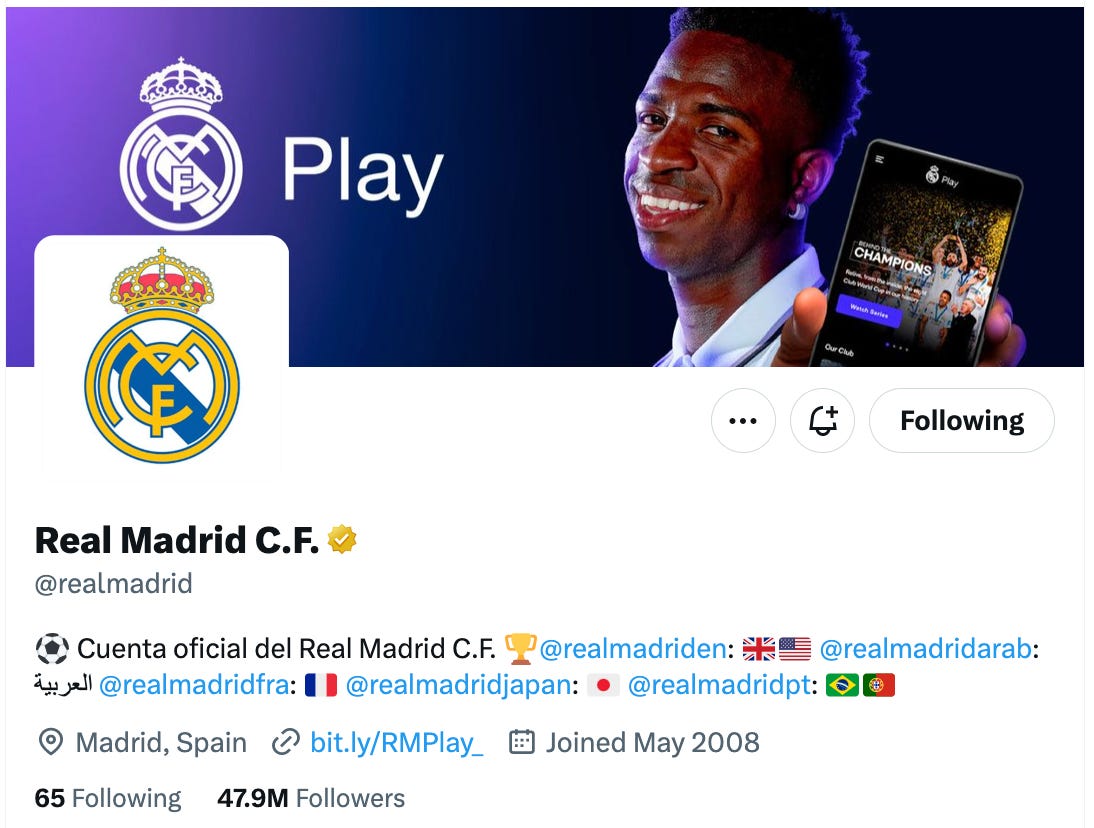
This checkmark indicates that the account is an official business account through Twitter Verified Organizations, such as a company, non-profit, or government entity.
The gold checkmark can be a valuable asset for businesses on Twitter. It can help to: increase credibility, improve search ranking, access premium features, and enhance customer service.
A Twitter Verified Organizations subscription is $1,000/month and $50/month for each additional affiliate (see ‘Company Affiliation badge’ information below). Prices may vary by region and are subject to change. Click here for pricing information.
You can apply for gold checkmark here.
👉 Pro Tip: If using Twitter for your Business is something you take seriously, the gold checkmark is a valuable asset that can help you to achieve your marketing goals.
The new badges:
🏬 The Company affiliation badge:
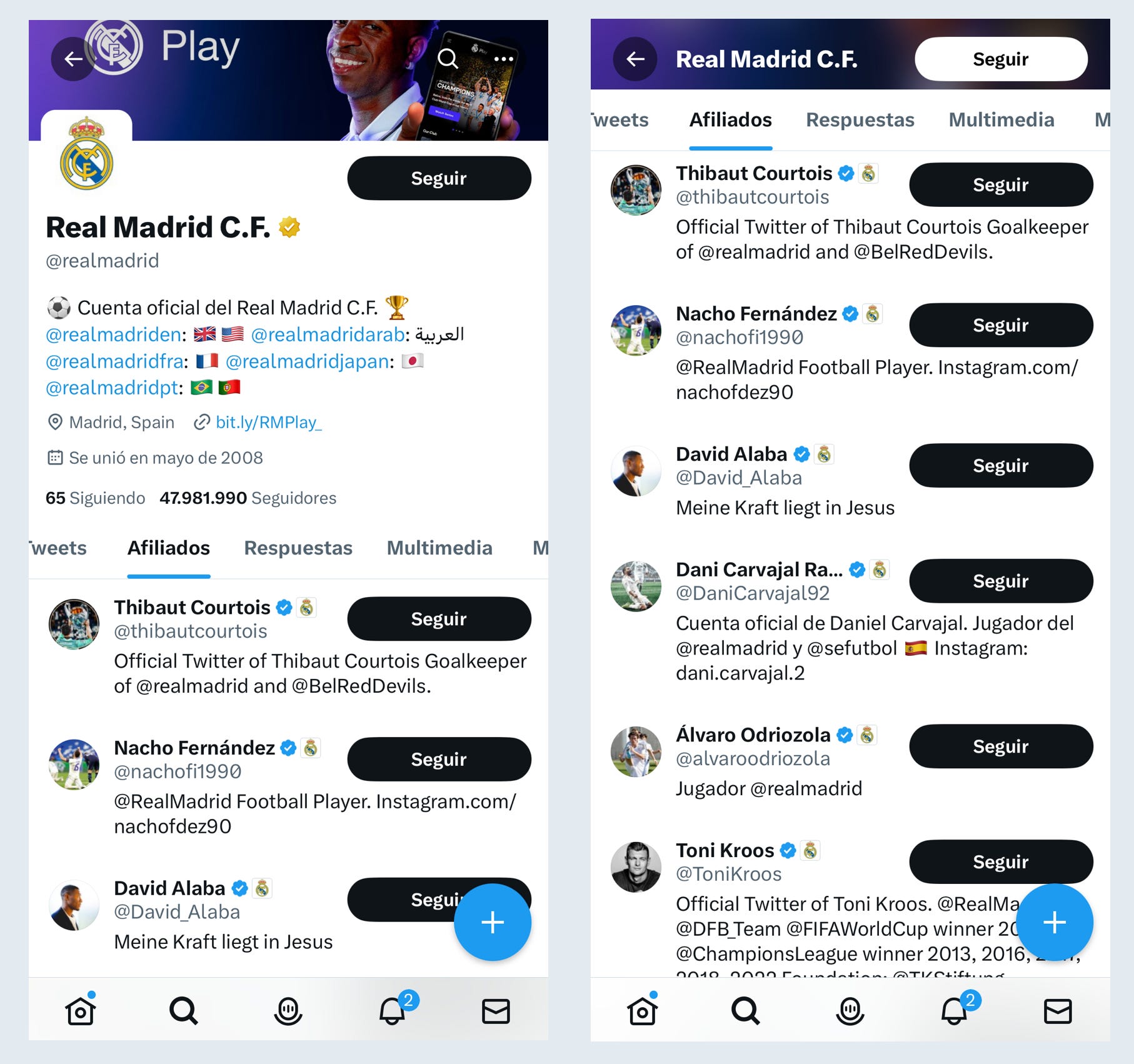
Company affiliation badges indicate that an account is connected to a Verified Organization on Twitter (the ones with the gold checkmark 🟡).
These affiliation badges were made to fight brand impersonation on the platform and as a way to increase trust and credibility within big organizations.
An organization or brand can have as many affiliation accounts as they want. They must first be verified by Twitter and pay the gold checkmark subscription of $1,000/month and then $50/month for each additional account affiliate.
Accounts with the affiliation badge receive a square small image of the organization's logo or emblem next to their name every time they Tweet, send a DM, or appear in search.
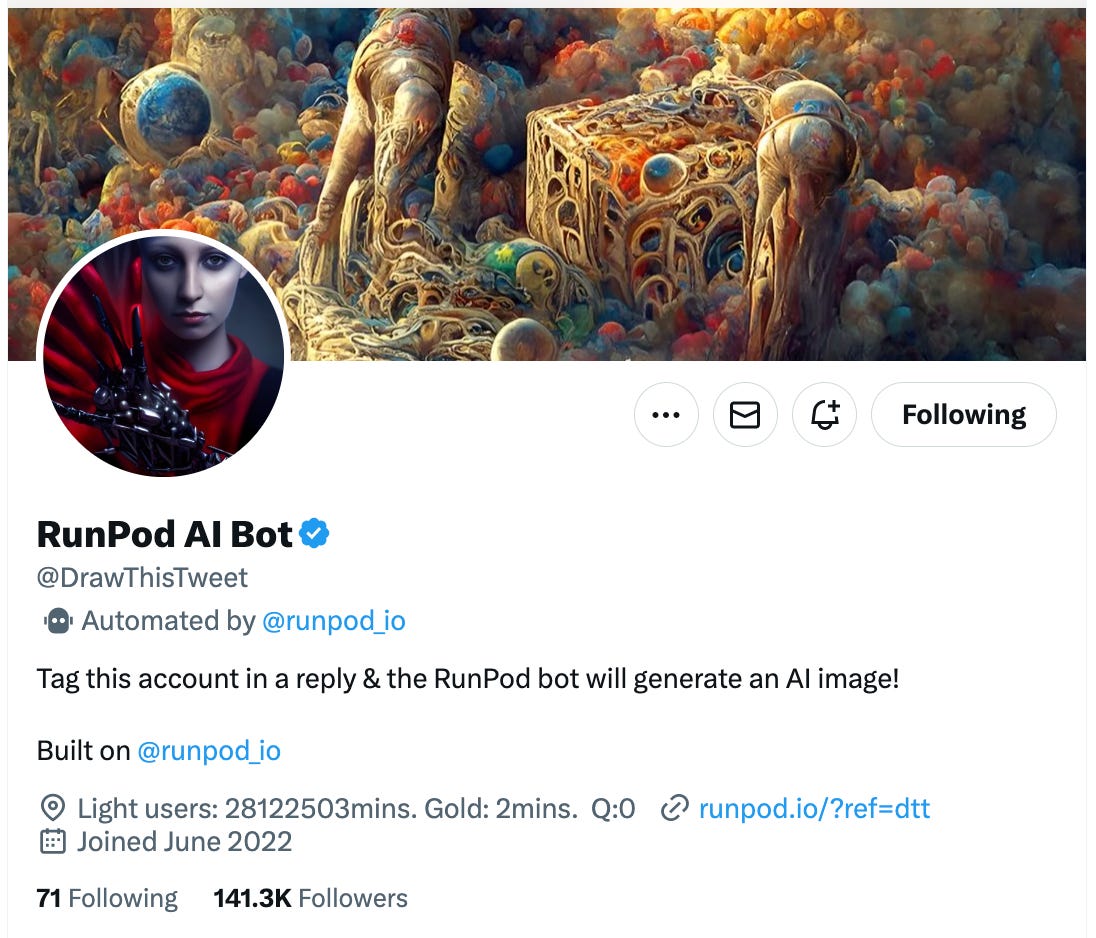
🤖 Automated account labels:
Automated accounts (often called “bots”) perform programmed actions through the Twitter API.
Automated labels provide transparency by helping users identify if an account is a bot, thus automated.
Automated accounts are created and managed by other people on Twitter. Twitter's Automation rules require these accounts to display the label and remain connected to a human-run account.
Learn more here.
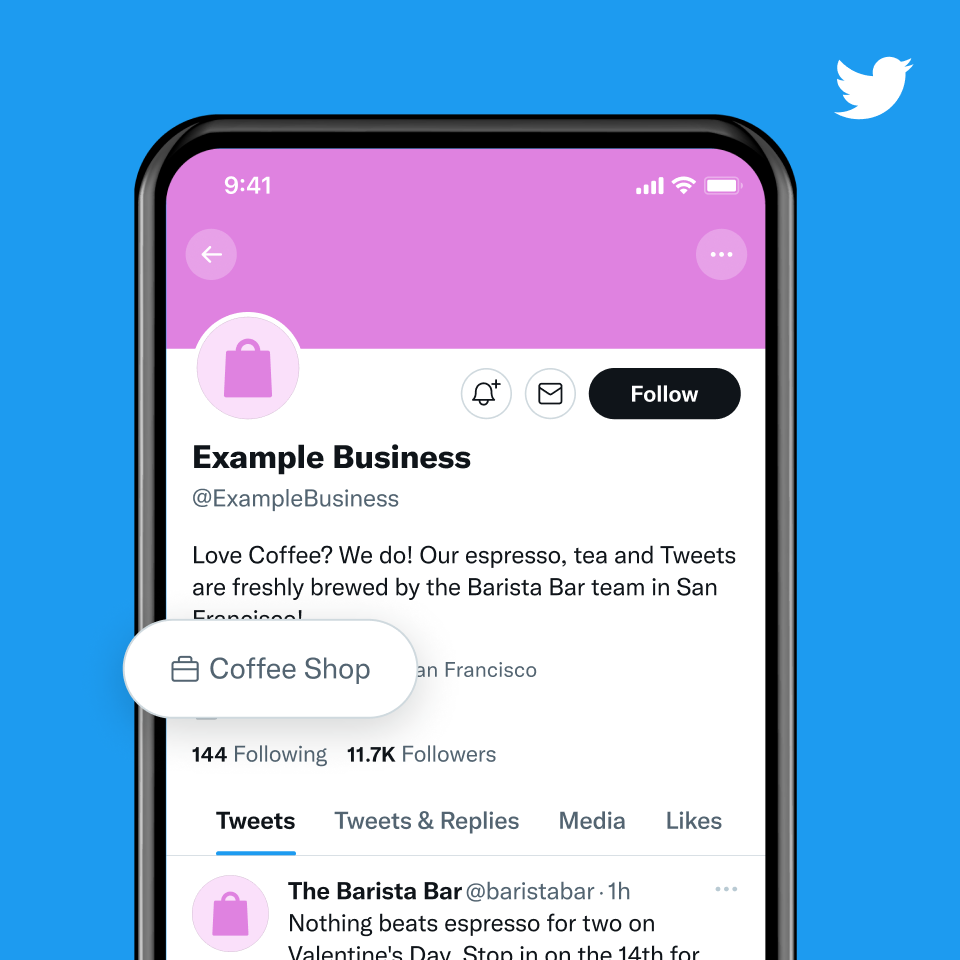
💼 Professional category labels:
These are self-selected by people on Twitter when they convert to a Professional Account.
Twitter does not control the selection of these labels, and users may change their professional category at any time.
Since the company's takeover, Twitter's environment has constantly been evolving, making it difficult sometimes to predict when new labels may be introduced or existing ones may be removed.
We will keep you informed of any future changes or updates regarding this matter. Stay tuned! 🗞
Thanks for reading.
Please let us know if you have any questions ;). As Certified Twitter API Partner, we're here to help with any doubts you may have.
Our best-picking articles for this month:
📲 Techy: Top 100 Tech Trends in June.
🍿 Movie/Series suggestion (because, why not?): The Mother, on Netflix.